
This feature works for:
Account: Main Organiser account only
Plan subscribed: All plans
Before you begin:
Make sure you inform the bantu Support team of this move before proceeding with the instructions below.
Instructions:
- Go to "Manage my Account".
- Click on "Edit My Account".

- Under your Profile, update your account email to the new email address. We recommend that you update the password for the account as well.
- IMPORTANT NOTE: make sure the email address you are transferring the main organiser account to does NOT already have an existing bantu main organiser, sub-organiser, or user account attached to it. Otherwise, your transfer will not work.
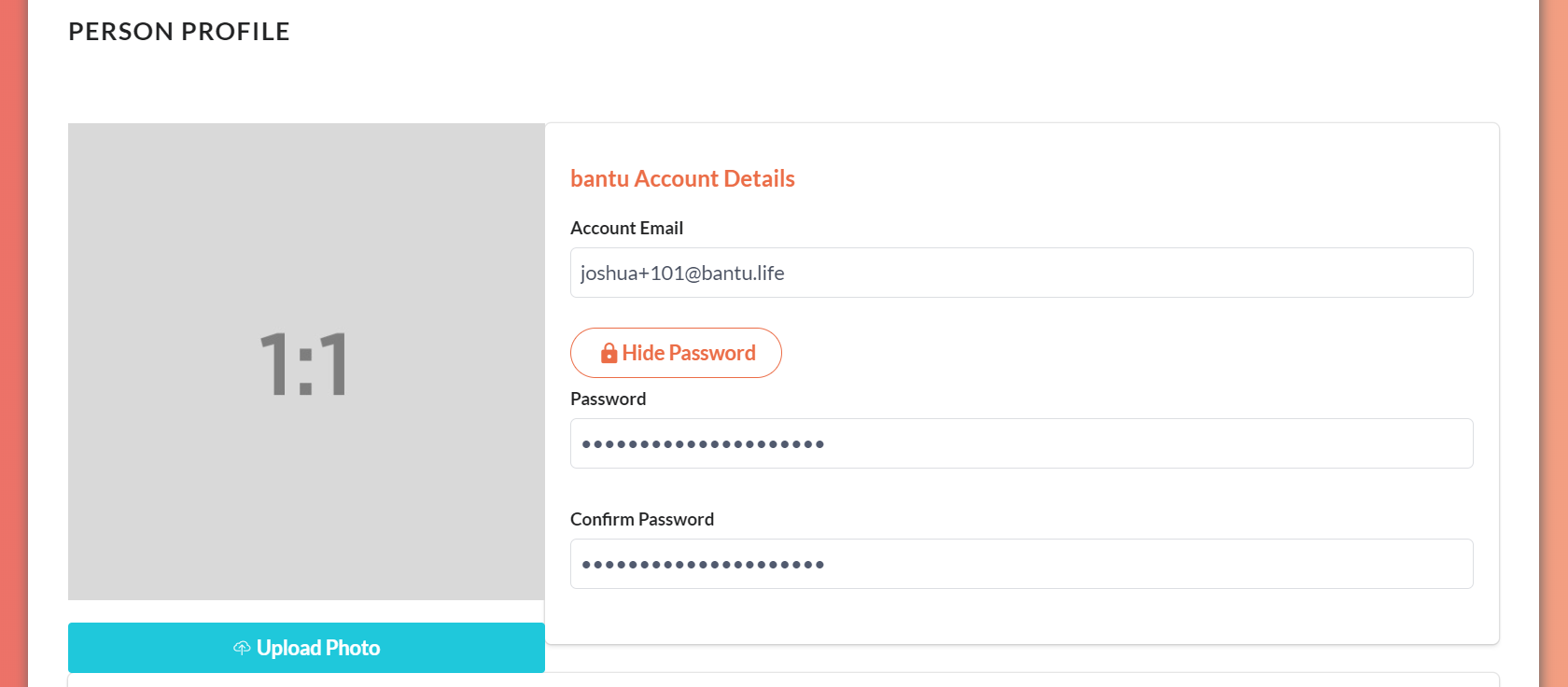
- Once done, scroll all the way down and click save.
What’s Next?
Make sure you inform the person who is taking over the main organiser account of his/her email and password login details.