
This article is for Community Portal Users
Before you begin:
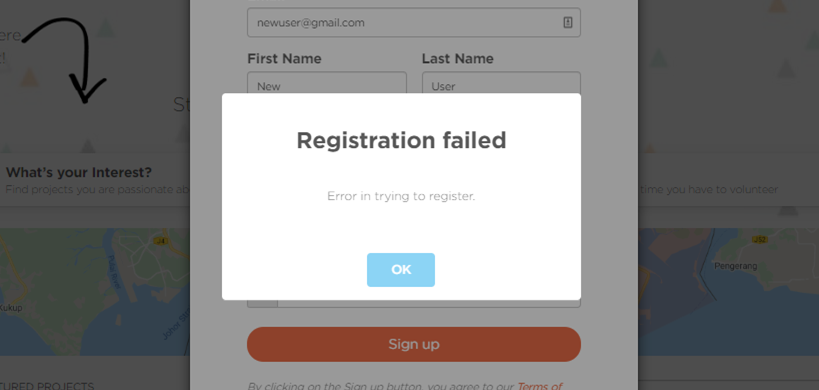
This article explains why you may be faced with an error in registering your Community Portal account, like the one below:
Things to take note:
- You may need an introduction to the Community Portal before you proceed
Instructions:
1. Ensure that you are using a new email address for the new account
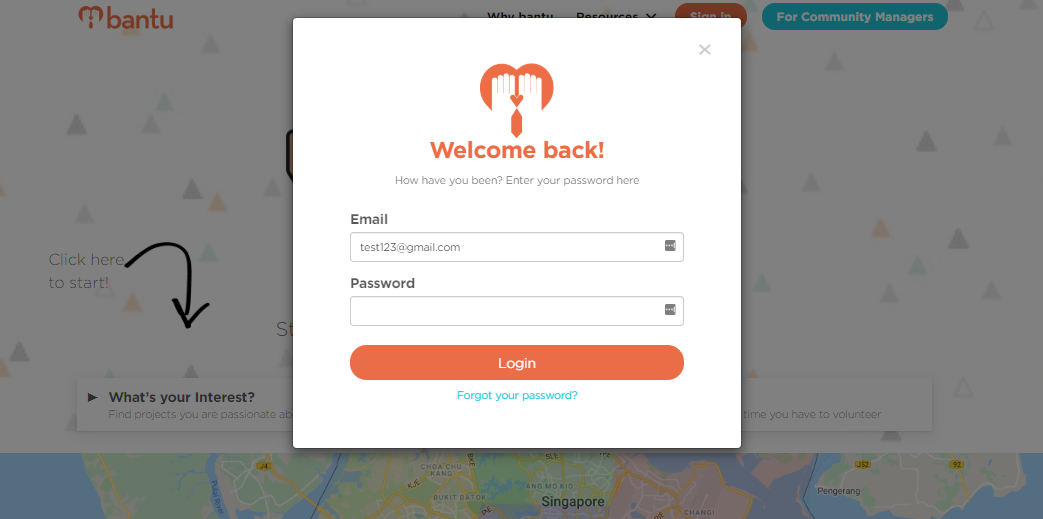
- If you have registered an account on the Community Portal with this email address before, you will only have to enter your password upon entering your email address, as seen below:
- However, if you happen to register an email address that belongs to an existing portal user, you will be faced with the error message
- You cannot use the same email address to register for another account
What's Next?
You can now sign up for projects on the Community Portal.
> Learn how to access and edit your profile
> Learn more about the badges that you can earn
> Learn more about the forms to fill when signing up for projects